
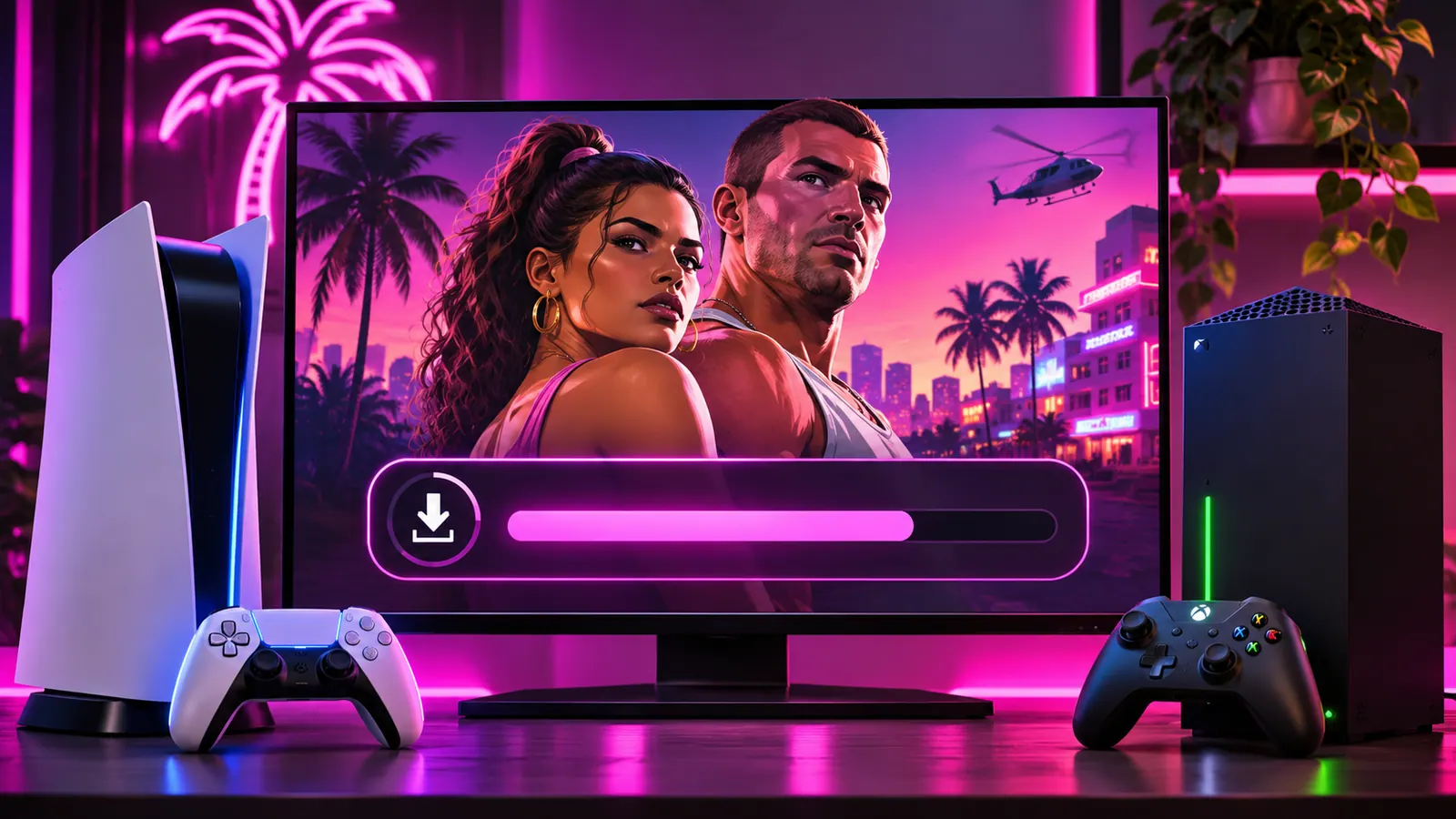
GTA VI pre-loading is available ahead of the game's scheduled release on Thursday 19 November 2026. Pre-loading downloads game files before launch, so you spend less time waiting when the game becomes playable. It does not give you early access.
When did GTA VI pre-loading start?
Rockstar's regional support guidance lists 10 November 2026 as the start date for digital pre-loading. On PlayStation 5, it began at midnight in each player's local time zone. On Xbox Series X|S, it began at 12:00 a.m. GMT on 10 November. Rockstar lists the game's release as midnight local time on 19 November on both console families.
How to pre-load GTA VI on PS5
- Sign in to the PlayStation Network account used to buy or redeem the game.
- Open your Game Library or the game's PlayStation Store page.
- Find Grand Theft Auto VI and look for the download or pre-load option.
- Start the download, then check its progress in Downloads/Uploads.
- Leave enough free space and keep your console connected to the internet.
Menu wording can change with PlayStation software updates. If the download option is missing, check that you bought the correct edition and that the purchase appears on your account.
How to pre-load GTA VI on Xbox Series X|S
- Sign in with the Microsoft account that owns GTA VI.
- Open My games & apps, then Full library or your owned games.
- Select GTA VI and choose the available install or download option.
- Choose the correct storage drive and monitor download progress.
- Check for any further updates before launch.
If you redeemed a code from a physical code-in-box edition, confirm that redemption succeeded. Rockstar says the physical version contains a download code rather than a disc.
Does pre-loading mean you can play early?
No. A pre-load prepares the files. Access remains subject to the official release time and any final checks or updates. Rockstar lists midnight local time on 19 November 2026 as the release time.
What if the pre-load will not start?
First check your account's purchase history and the store region. Restart the console, check available storage and confirm your connection works. On PS5, Rockstar's support guidance and PlayStation's help page are the best places to check for launch-specific issues. Avoid deleting a large completed download unless the platform's troubleshooting instructions recommend it.
What to read next
Read our GTA VI storage guide and Standard vs Ultimate Edition guide before launch.