
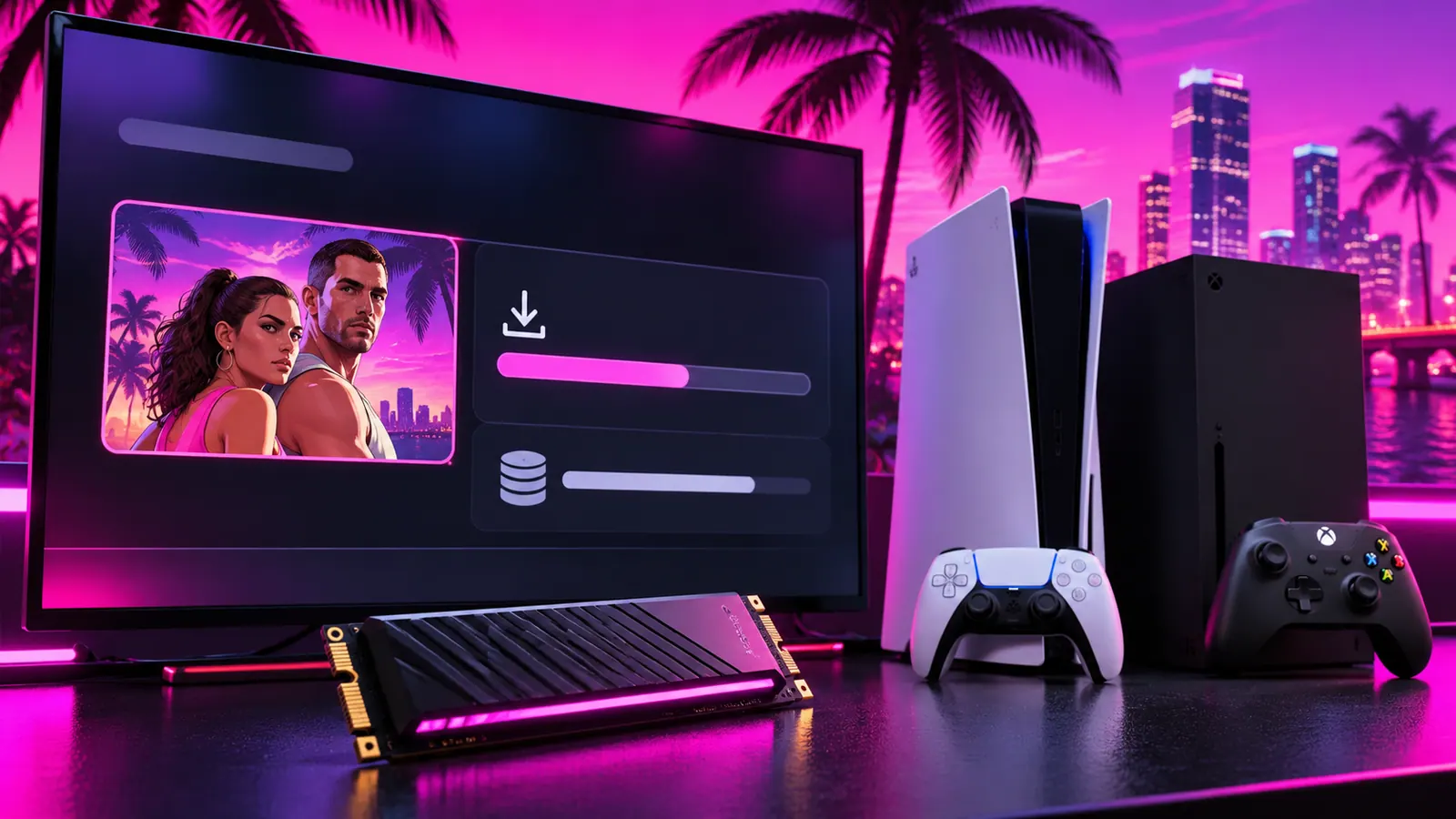
GTA VI Download Size: How Much Storage Do You Need?
PlayStation's official GTA VI support page tells PS5 players to have 212 GB of storage available for pre-loading. That is the clearest platform-specific storage figure to use when preparing your console. It is not a promise that the final installed game will occupy exactly 212 GB after all updates.
GTA VI PS5 storage requirement
PlayStation's launch support guidance says to make 212 GB of storage space available. If your PS5 has less free space, remove or move games you no longer play before trying the pre-load.
You can check storage on PS5 by opening Settings, then Storage. Review console storage and any compatible expansion storage you have installed. Do not delete saved game data by mistake when removing old games.
What about Xbox Series X|S download size?
Rockstar confirms Xbox Series X|S support, but the PlayStation figure should not automatically be treated as an Xbox download-size confirmation. Check the Xbox store listing and your console's installation screen for the amount required for your version.
Why download size and installed size can differ
A download can use compression, and games may unpack files during installation. Day-one patches can also change the total. Some platforms temporarily need extra room while installing or updating a game. The safest approach is to leave a little space beyond the listed minimum.
How to free up space before GTA VI
- Check your console's storage settings and sort games by size.
- Remove games you can download again later.
- Move supported games to appropriate external or expansion storage.
- Delete unused captures if they take up significant space.
- Confirm you have a stable connection before starting the pre-load.
On PS5, PS5 games must run from suitable internal or compatible M.2 SSD storage, not directly from ordinary USB extended storage. You can use USB storage to archive supported games, then copy them back when needed.
Can you start playing while GTA VI is still downloading?
Do not assume partial download play is supported. Wait for your console to confirm the game is ready, and remember that pre-loaded files remain locked until the release time.
Related GTA VI guides
Follow our pre-load instructions and GTA VI release date guide for launch details.